STEP 1: DOWNLOAD 'TUYA SMART' APP

Why Tuya?

  • Worlds leading IOT platform service provider.
  • Wide variety of choices and selection.
  • Mature integration to Google Home and Alexa 

STEP 2: LOGIN WITH THE PROVIDED CREDENTIAL

Whats in the box

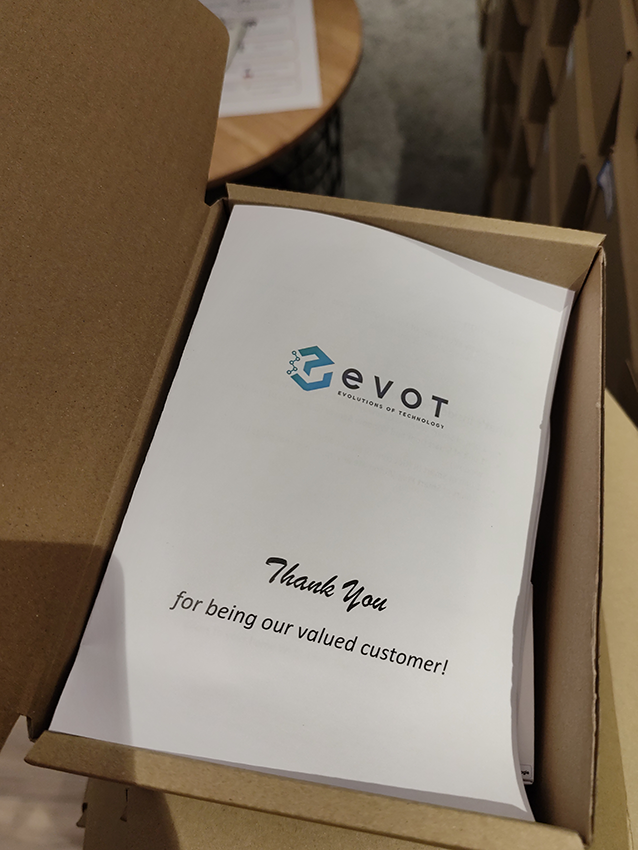
  • Guide with written steps and credentials
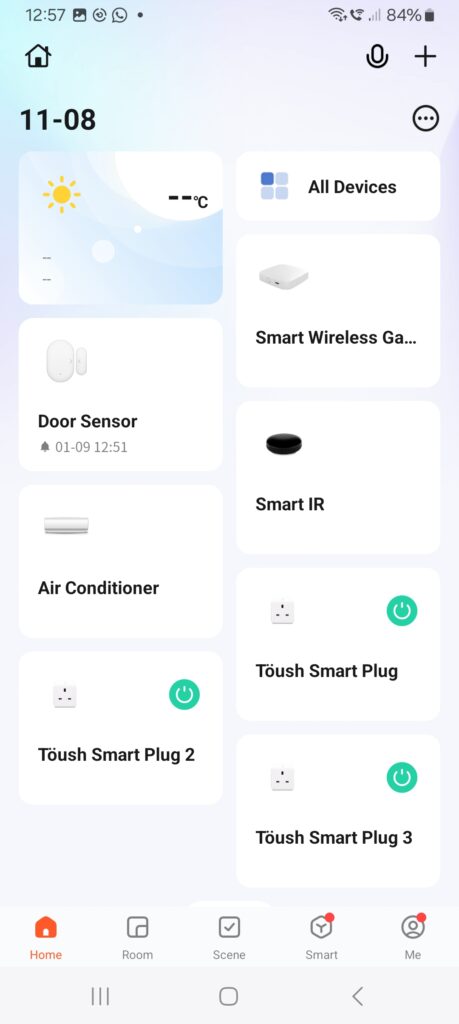
  • Smart Wireless Gateway (x1)
  • Smart IR remtoe (x1)
  • Door Contact (x1)
  • Smart plug (x3)

Provided devices from Pensonic

  • With 2 years of local warranty from date of delivery
  • Warranties only covers product defect

STEP 3: RECONNECT YOUR PRODUCT

May refer to the full manual below:

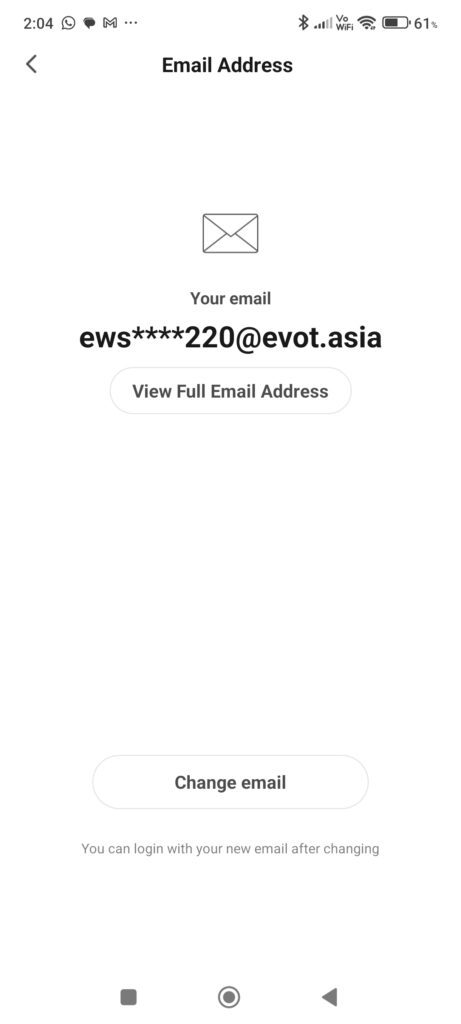
STEP 4: CHANGE TO OWN EMAIL FOR TUYA ACCOUNT

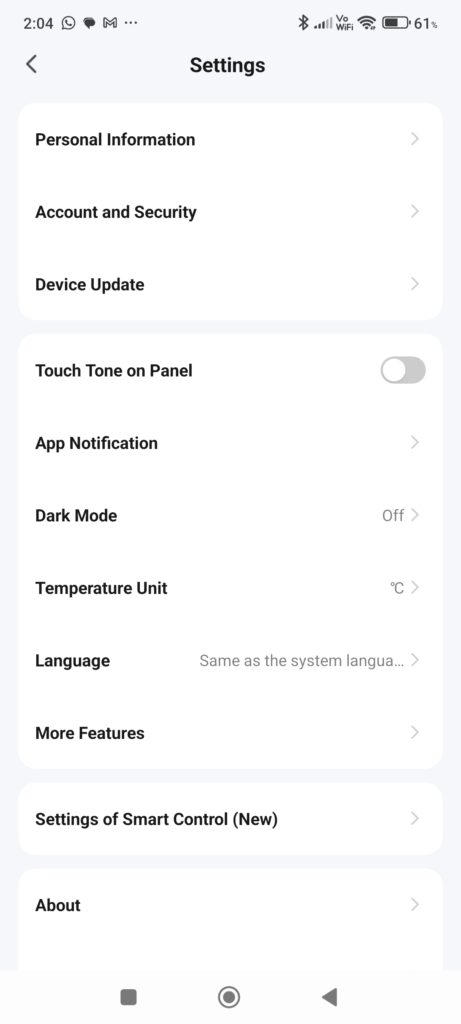
i. From the main interface, select me> then select the button at top right. 

ii. Select ” Account and Security”

iii. Select change email”, then follow the step. re-login the account with new email.